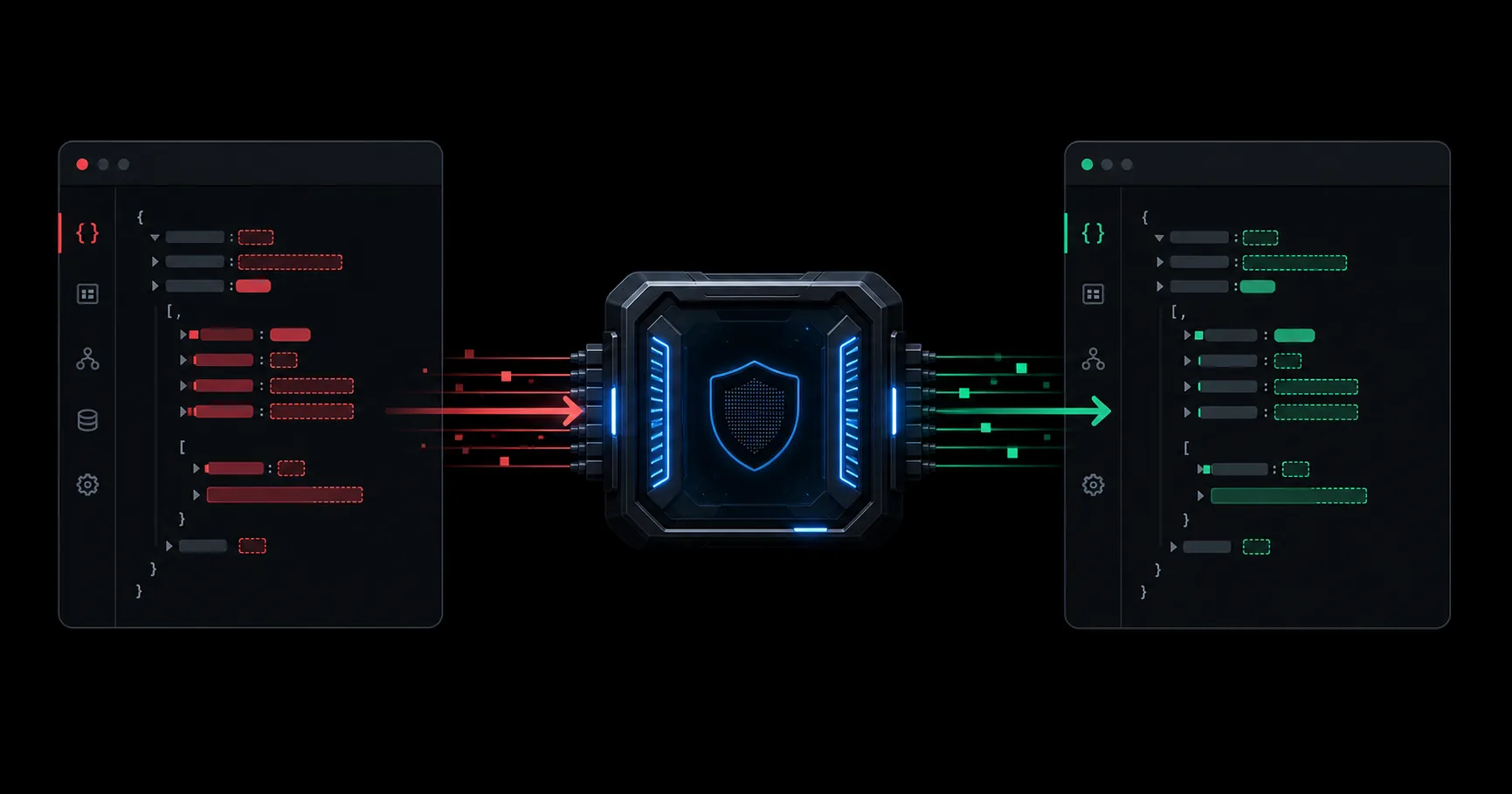
Stop PII and secrets
before they reach your AI provider.
Redact sensitive data in memory across 11 direct AI providers. Your prompt content and provider key are never stored by RedactCloud.
No prompt retention · No provider-key retention · No card required
Live browser demo
Try a real redaction
Runs locally. Nothing is sent.
Highlighted tokens replaced sensitive values before forwarding.
In memory
Prompt text and your upstream provider key are processed in memory and are not persisted by RedactCloud.
Zero payload retention
Your sensitive prompt data never becomes our stored data.
RedactCloud processes each request in transient memory, removes detected sensitive values, forwards the sanitized request, and discards the original payload. We retain only payload-free operational metadata.
- Prompt content
- Never stored
- Provider API keys
- Never stored
- Request payloads
- Never written to usage logs
- Usage records
- Counts, status, and latency only
Reproducible benchmark
Measured claims, with the caveats included.
Every number below comes from the published corpus and runner. The comparison uses only six PII types supported by both products.
- Structured recall
- 100%
- 53/53 fabricated sensitive values covered
- Clean prompt pass rate
- 100%
- 25/25 clean cases without a redaction
- 8 KiB engine p95
- 0.047ms
- In-process engine only, 10,000 timed runs
- Shared-corpus F1
- 100% vs 92% Presidio
- RedactCloud-run synthetic comparison, not an independent audit
Provider coverage
Keep one privacy control as models and tools change.
Apps and SDKs
Point an OpenAI-compatible client at a documented RedactCloud provider route.
VS Code, Cursor, Antigravity
Redact a selection locally before pasting it into any built-in AI chat.
Get the extension preview →Codex
Connect through OpenAI or OpenRouter Responses with one generated command.
Claude Code
Connect through Anthropic or OpenRouter Messages with one generated command.
Ten providers support Chat Completions routes. Agent support uses verified native protocols.
View integration options →
Keep your SDK.
Add one privacy layer.
Change the base URL, choose a provider route, and pass your RedactCloud key separately from the upstream provider key.
import os
from openai import OpenAI

client = OpenAI(
    api_key="rc_live_your_redactcloud_key",
    base_url="https://redactcloud.com/api/v1/openrouter",
    default_headers={"X-Upstream-Key": os.environ["OPENROUTER_API_KEY"]},
)

response = client.chat.completions.create(
    model="anthropic/claude-sonnet-4",
    messages=[{"role": "user", "content": "Customer SSN is 123-45-6789"}]
)
import OpenAI from 'openai';
const openai = new OpenAI({
apiKey: 'rc_live_your_redactcloud_key',
baseURL: 'https://redactcloud.com/api/v1/openrouter',
defaultHeaders: { 'X-Upstream-Key': process.env.OPENROUTER_API_KEY },
});
const completion = await openai.chat.completions.create({
model: 'anthropic/claude-sonnet-4',
messages: [{ role: 'user', content: 'Customer SSN is 123-45-6789' }],
});curl https://redactcloud.com/api/v1/openrouter/chat/completions \
-H "Authorization: Bearer rc_live_..." \
-H "X-Upstream-Key: $OPENROUTER_API_KEY" \
-H "Content-Type: application/json" \
-d '{
"model": "anthropic/claude-sonnet-4",
"messages": [{"role": "user", "content": "SSN is 123-45-6789"}]
}'Detected PII and secrets stay out of the prompt sent upstream.
RedactCloud sits between your application and a supported provider endpoint.
-
01
Send the request
Your app sends the prompt with a RedactCloud API key and the selected provider key in the upstream header.
-
02
Redact in memory
Structured PII and secrets are replaced before forwarding. Prompt text and the upstream key are not persisted.
-
03
Restore the response
Only the sanitized request reaches the provider. Matching placeholders are restored before the response returns to your app.
Detection uses structured patterns and checksum validation. Operational logs contain request metrics, not prompt payloads.
Start free.
Connect your first provider.
No sales call or company details required. Bring a provider key, protect your first 500 monthly requests, and upgrade only when you need more.
Start protecting AI traffic
Create an account, issue an API key, and validate redaction using your own provider account.
- ✓ 500 protected requests/month
- ✓ 60 requests/min per key
- ✓ 11 providers plus Codex and Claude Code
Protect daily AI workflows
Increase your monthly capacity without a sales call. Manage billing and cancellation from your dashboard.
- ✓ 10,000 protected requests/month
- ✓ 300 requests/min per key
- ✓ 10% temporary quota grace
- ✓ Usage alerts and email support
Questions security teams ask first.
Review the full controls in the security overview.
No. The application processes prompt text and the upstream key in memory and does not persist either. Usage logs retain operational metrics such as bytes, redaction count, and latency.
An account, dashboard, and API key with 500 protected requests per month and 60 requests per minute. You supply the provider key and pay provider usage directly. Pro raises both limits and adds usage alerts, temporary quota grace, and email support.
OpenAI, Gemini, DeepSeek, OpenRouter, Groq, Mistral, xAI, Together, Fireworks, and Perplexity support documented Chat Completions routes. Codex works through OpenAI or OpenRouter Responses. Claude Code works through Anthropic or OpenRouter native Messages. The local companion extension supports VS Code, Cursor, and Antigravity; transparent Antigravity agent traffic still requires separate protocol verification.
Verify your email, create a RedactCloud key, choose a provider, and use the dashboard quick start to test a connection or copy working code.
No. RedactCloud provides technical data-minimization controls. Your organization remains responsible for legal, compliance, and deployment decisions.
Protect your first AI request today.
Create a free account, generate your key, and use the guided quick start to connect a provider or coding agent.
No card or company required. Prompt content and provider keys are never stored by RedactCloud.